Important: This version of the mobile app will no longer be downloadable or supported as of Nov 1, 2025.
Download the NEW Vantaca Manage App for a more user-friendly and streamlined app experience!
Summary: This article explains how to Add and Edit Roles from the Settings > Roles page in the Mobile App.
The Roles page allows you to create and edit Roles which will dictate what permissions your Users have on each page and what actions they can perform based on their assigned Role.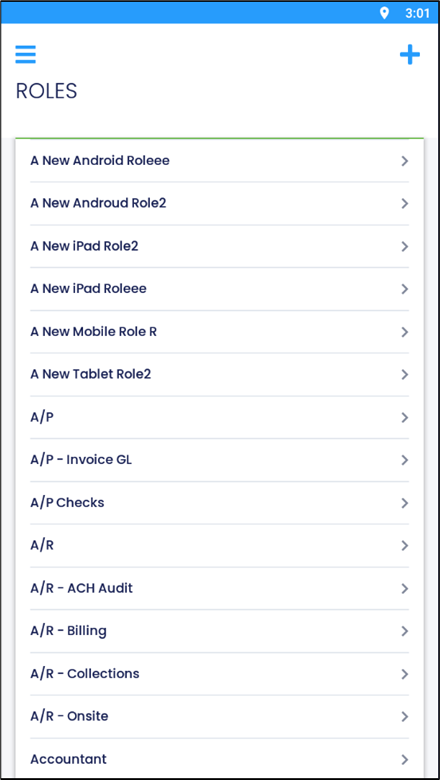
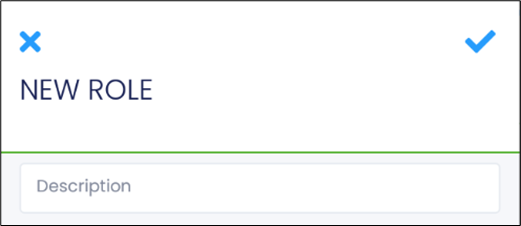
Add a New Role
- Select the Add Icon

to add a new Role.
- Enter a Description for the Role.
- Select the Checkmark Icon
 to save.
Edit a Role
- Select a Role.
- Select the Pencil and Pad Icon
 to edit the Role Description.
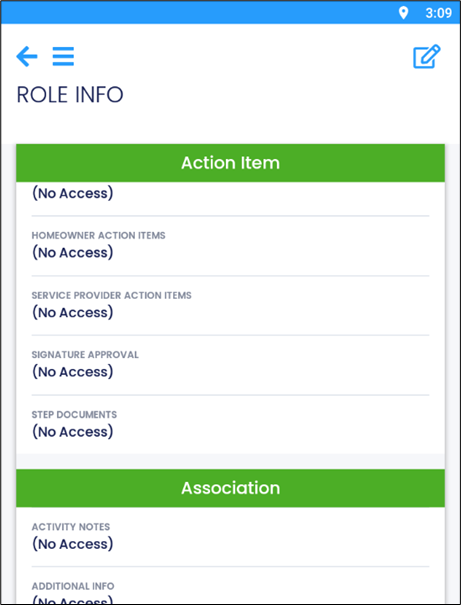
- Each item can be selected to Edit Role Security.
-
Note: Available options vary depending on the item.
-
Note: Available options vary depending on the item.
- Select which permissions to enable or select Check All to enable all permissions for the Role.
Comments